Microsoft Advertising, formerly Bing Ads, is a pay-per-click (PPC) advertising platform that displays your ads across search results on Bing, Yahoo, AOL, MSN, Outlook.com and sites in Microsoft's partner network. Its setup and interface closely resemble Google Ads, but it offers lower competition, often cheaper clicks, and a different audience. This guide clarifies the platform, how it differs from Google Ads, its cost structure, and which brands it suits.

- Microsoft Advertising is a broad ad platform covering Bing plus Yahoo, AOL, MSN and Microsoft's partner network; it is not identical to Bing.
- Signing up and creating an account is free; you only pay per click (CPC) — the same auction-based model as Google Ads.
- Because competition is lower, average click cost is often lower than Google Ads across many industries.
- Google Ads campaigns can be imported to Microsoft Advertising with one click, but an exact copy rarely performs the same without platform-specific optimisation.
- An account managed by Ilegra achieved 303% ROAS and $947K revenue over 3.5 years — a real example of Microsoft Advertising's profit potential.
What Is Microsoft Advertising?
Microsoft Advertising is Microsoft's pay-per-click (PPC) online advertising platform. Advertisers bid on target keywords; when a user searches with those keywords, ads appear on result pages across Bing, Yahoo, AOL, MSN and Microsoft's partner publisher network.
The platform launched in 2006 as "Microsoft adCenter", was renamed "Bing Ads" in 2012, and moved to its current name, Microsoft Advertising, in 2019. The rename reflected that the platform was no longer just about Bing search, but also covered additional search partnerships like Yahoo and AOL, plus different ad formats such as Audience Network, Shopping and Performance Max.
The main campaign types it offers:
- Search: Keyword-based text ads shown in search results.
- Shopping: Visual, price-inclusive shopping ads driven by a product feed.
- Audience Network: Display/native ads across Microsoft properties like Bing, Outlook.com and MSN.
- Performance Max: An AI-driven format that automatically optimises across multiple inventory types in a single campaign.
- App ads: Campaigns focused on mobile app installs and engagement.
Is Microsoft Advertising the Same as Bing?
No, Microsoft Advertising and Bing are not the same thing. Bing is a search engine; Microsoft Advertising is the ad platform that manages where ads appear on Bing and beyond it. Bing is Microsoft Advertising's largest and best-known distribution channel, but not its only one.
An ad placed through Microsoft Advertising can appear on Bing as well as Yahoo search results, AOL, MSN, Outlook.com and sites belonging to Microsoft's contracted publisher partners. So while "advertising on Bing" is common everyday phrasing, technically an advertiser is buying into the Microsoft Advertising platform, and distribution extends beyond Bing itself.
How Does Microsoft Advertising Differ From Google Ads?
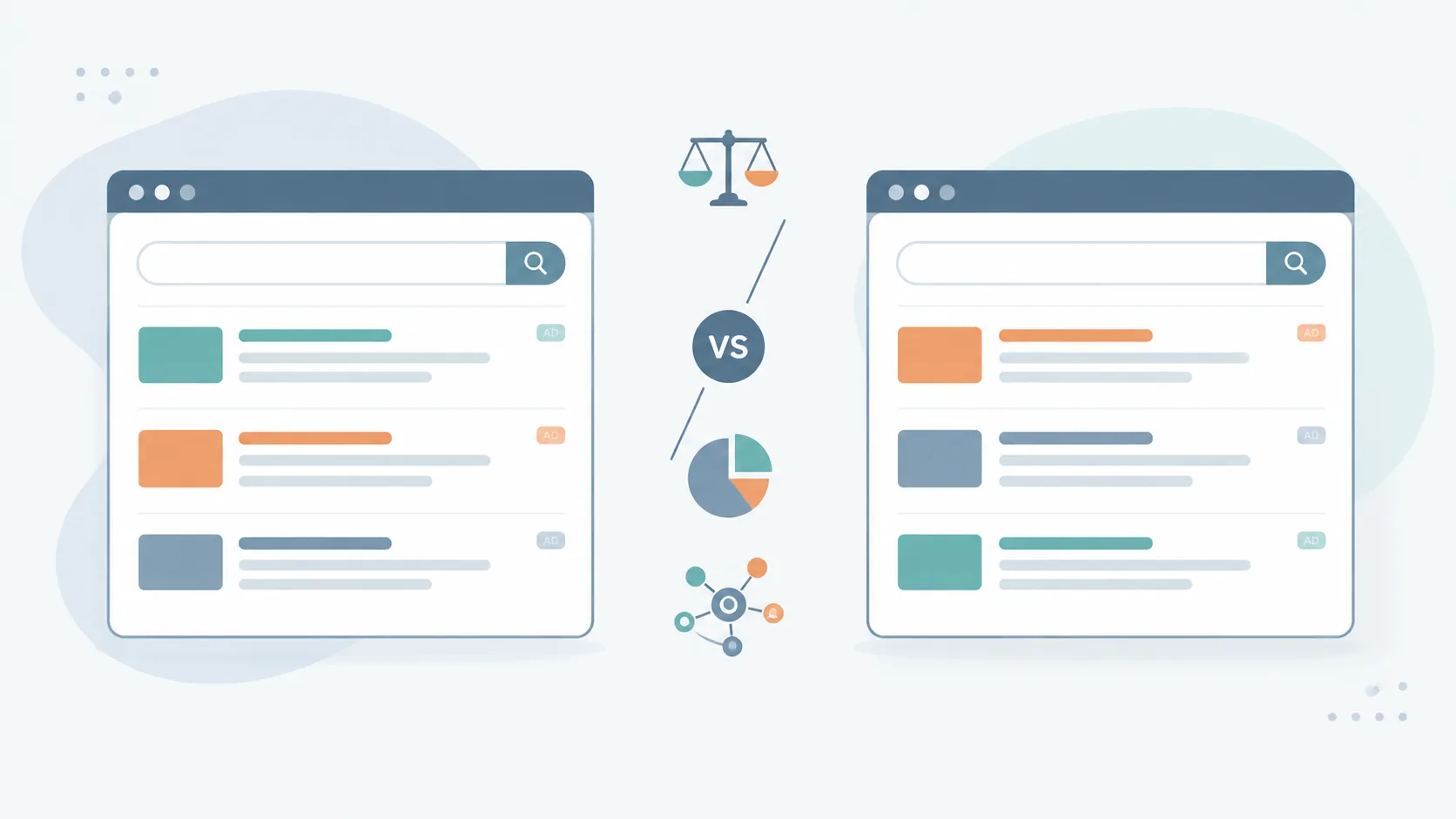
Microsoft Advertising and Google Ads share the same core model — keyword-based auctions, pay-per-click — and their interfaces are conceptually very similar. The real differences show up in audience size and demographics, competition intensity, and a handful of targeting features.
| Feature | Google Ads | Microsoft Advertising |
|---|---|---|
| Search network share | The large majority of the global search market | A narrower but distinct share via Bing + Yahoo + AOL + partner network |
| Competition intensity | High in most industries | Generally lower |
| Average CPC tendency | Baseline | Often lower for the same keyword |
| User demographics | Broad, all ages and devices | Desktop-heavy, skews toward enterprise/Windows users |
| LinkedIn-based targeting | Not available | Available — by company, industry and job title |
| Campaign import | — | One-click import of Google Ads campaigns |
In practice, the most concrete difference is this: a click that's expensive on Google Ads due to high competition for a given keyword is often available at a lower cost on Microsoft Advertising, simply because fewer advertisers bid on the same term. For brands already working on Google Ads budget optimisation, Microsoft Advertising is a natural way to capture extra volume with the same budget.
Why Does the LinkedIn Integration Matter?
Microsoft owns LinkedIn, which lets Microsoft Advertising offer targeting by company size, industry and job title. This is a distinct advantage for B2B brands with no direct equivalent in Google Ads.
How Much Does Microsoft Advertising Cost?
Signing up and creating an account on Microsoft Advertising is free; cost only arises once you run a campaign, through a pay-per-click (CPC) model. It works on an auction system just like Google Ads: advertisers bid on keywords, and actual cost is determined by bid, quality score and competitor density.

Quoting a single fixed number would be misleading, since click cost varies widely by industry, keyword and target market. But the general trend is clear: because competition on the same keyword set tends to be lower than on Google Ads, average click cost is frequently lower. In one Microsoft Ads account managed by Ilegra, $312,206 in spend generated $947,310 in revenue and 303% ROAS over 3.5 years — see the full case study here.
The main factors that determine cost:
- Keyword competition: Cost rises as more advertisers bid on the same term.
- Quality score: Ad copy, landing page relevance and expected click-through rate directly affect cost.
- Target market and language: Costs can be more volatile in highly competitive markets such as the US and UK.
- Campaign type: Search, Shopping and Performance Max campaigns each have different cost dynamics.
Is Microsoft Advertising Free?
Creating an account and accessing the platform is entirely free; there is no setup fee or fixed monthly charge. Payment only occurs when your ad is clicked — you are billed per click, not per impression. This is the exact same commercial model as Google Ads.
In other words: creating and publishing an ad campaign costs nothing, but you need a budget for that campaign to actually generate traffic. This distinction between "free advertising" and "free platform access" is the point new advertisers confuse most often.
Advantages and Disadvantages of Microsoft Advertising
Knowing both the strengths and the limits of Microsoft Advertising makes it easier to set the right budget expectations.
Advantages
- Lower competition: Since many advertisers focus solely on Google Ads, average click cost can stay lower.
- A different audience: Bing's user base, especially on desktop and in enterprise settings, skews differently from Google's.
- Easy migration: The Google Ads import feature speeds up getting started on the platform.
- B2B targeting: Targeting enriched with LinkedIn data makes reaching corporate decision-makers easier.
Disadvantages
- Lower volume: Search volume is noticeably smaller than Google Ads; it may not be enough on its own for brands expecting large-scale traffic.
- A more limited ecosystem: Third-party tool and integration support is not as broad as Google Ads'.
- A direct copy isn't enough: Importing a Google Ads campaign as-is, without platform-specific optimisation, won't deliver the same result.
Which Brands Is Microsoft Advertising Right For?
Microsoft Advertising is a channel to evaluate alongside Google Ads, not as a replacement for it. It's especially worthwhile for brands that fit these profiles:
- Brands already running Google Ads: Existing campaign structure and data provide a ready foundation for a quick move into Microsoft Advertising.
- B2B and enterprise service providers: LinkedIn-based targeting is a clear advantage for reaching decision-makers.
- Brands competing on expensive keywords: In sectors where Google Ads CPCs are high, Microsoft Advertising can offer additional, more cost-effective volume.
- E-commerce brands selling into international markets (especially the US, UK, Canada): Bing's desktop search share in these markets is too significant to ignore.
The Microsoft Advertising Ecosystem: Login, App and Support
You sign in to the platform at ads.microsoft.com, either with an existing Microsoft account or by creating a new one. For managing campaigns on the go, the official Microsoft Advertising app is available on iOS and Android. For technical issues, Microsoft Advertising's support center and live help line are available. For agencies and freelancers, the platform offers an official Microsoft Advertising certification program, a recognised credential for digital marketing professionals looking to demonstrate platform expertise.
Whether to run this in-house or with an experienced agency is a question that applies to Microsoft Advertising just as much as it does to Google Ads; our agency vs in-house vs freelancer comparison breaks down how to make that call. At Ilegra, our Microsoft Advertising management service analyses your existing Google Ads data to build a platform-specific strategy. If you'd like to assess your situation, get in touch with us.
Frequently Asked Questions
What is Microsoft Advertising?
Microsoft Advertising, formerly Bing Ads, is a pay-per-click (PPC) advertising platform that shows ads across Bing, Yahoo, AOL, MSN and Microsoft's partner network. It runs on an auction model similar to Google Ads.
How much does Microsoft Advertising cost?
Creating an account is free; cost only arises per click (CPC) and varies with keyword competition, quality score and target market. As a general trend, average click cost is often lower than Google Ads because competition is lower.
Is Microsoft Advertising free?
Signing up and creating an account is free. Payment only occurs when your ad is clicked; you are billed per click, not per impression.
Is Microsoft Advertising the same as Bing?
No. Bing is a search engine; Microsoft Advertising is the ad platform that manages where ads appear on Bing and beyond it, including Yahoo, AOL, MSN, Outlook.com and the partner publisher network.
What is the key difference between Microsoft Advertising and Google Ads?
Both run on a keyword-based auction model, but Microsoft Advertising generally offers lower competition and lower click costs, includes LinkedIn-based B2B targeting, and has a smaller search volume than Google Ads.
Can I import my Google Ads campaigns into Microsoft Advertising?
Yes, Microsoft Advertising's import feature lets you bring in Google Ads campaigns with one click. However, an exact copy usually won't perform the same without platform-specific optimisation; bidding strategy and targeting settings need to be reviewed.